
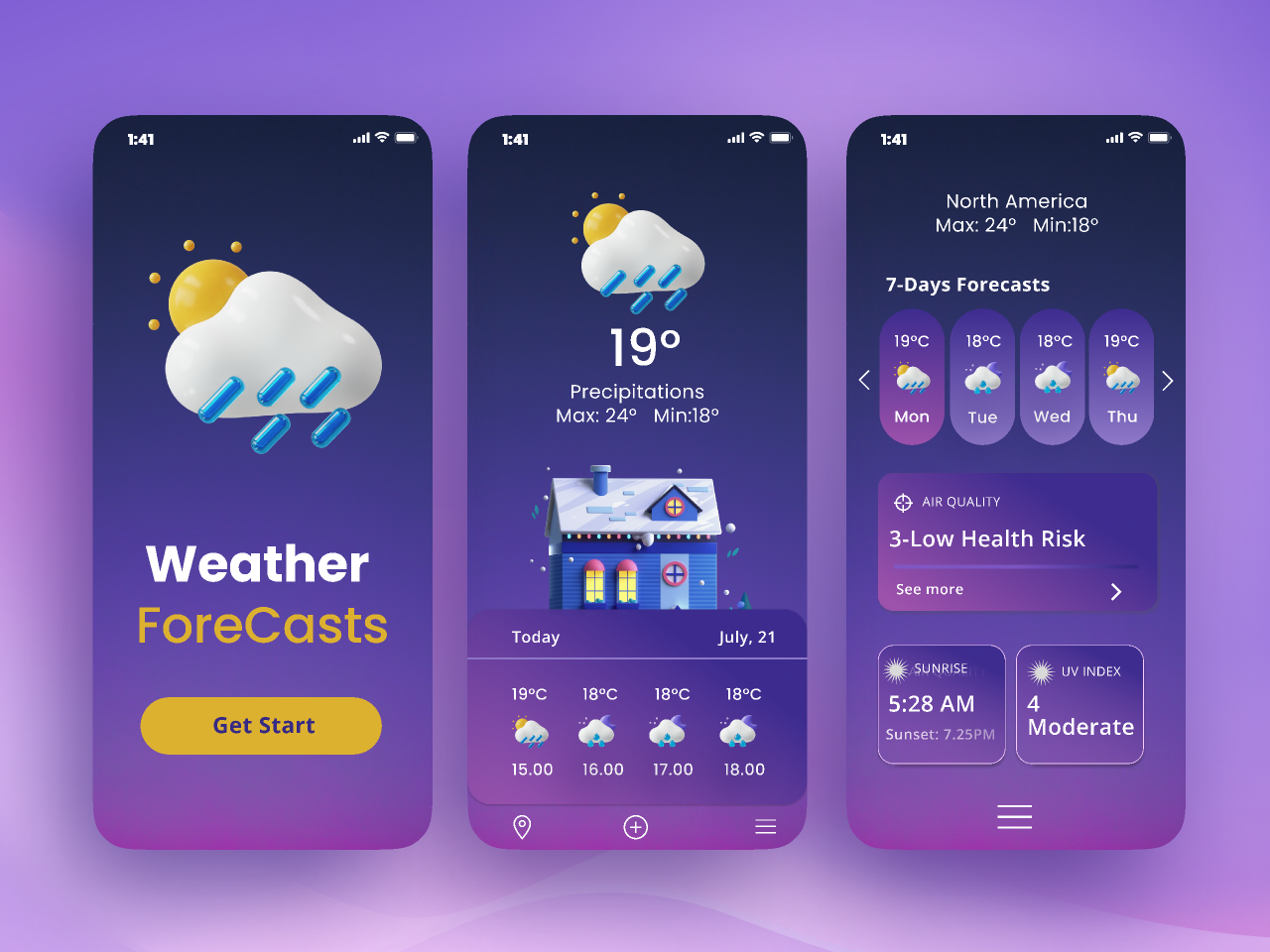
Weather App Using HTML CSS JavaScript Source Code
The Weather App is a modern and responsive web application developed using HTML, CSS, and JavaScript. This project allows users to search for any city and view real-time weather information such as temperature, humidity, wind speed, weather conditions, and feels-like temperature. The application uses the OpenWeather API to fetch accurate weather data and display it in a user-friendly interface.
This project is ideal for students, beginners, and web developers who want to learn API integration, JavaScript programming, and responsive web design. It can also be used as a mini project, college assignment, portfolio project, or final-year project demonstration.
Key Features
- Search weather information by city name
- Real-time weather updates using OpenWeather API
- Display current temperature and weather conditions
- Show humidity percentage and wind speed
- Display feels-like temperature
- User-friendly and responsive interface
- Works on desktop, tablet, and mobile devices
- Fast and accurate weather data retrieval
- Error handling for invalid city names
- Clean and organized source code
- Easy to customize and extend
- Modern UI with animations and responsive design
Technology Stack
- HTML5
- CSS3
- JavaScript (ES6)
- OpenWeather API
- Fetch API
Project Modules
1. Search Module
Allows users to enter a city name and search for weather information instantly.
2. Weather Data Module
Fetches real-time weather information from the OpenWeather API and displays the results.
3. Weather Information Display
Shows temperature, humidity, wind speed, feels-like temperature, and weather conditions in a structured format.
4. Error Handling Module
Displays appropriate error messages when users enter invalid city names or when weather data is unavailable.
5. Responsive User Interface
Provides a seamless experience across desktops, tablets, and smartphones.
Learning Outcomes
- API Integration using JavaScript
- Working with Fetch API
- Handling JSON Data
- DOM Manipulation
- Event Handling
- Responsive Web Design
- Error Handling Techniques
- Frontend Development Best Practices
Project Structure
- index.html – Application structure and layout
- style.css – Styling, animations, and responsive design
- script.js – API integration and application logic
Who Can Use This Project?
- BCA Students
- MCA Students
- B.Tech Students
- Computer Science Students
- Frontend Developers
- Web Development Beginners
- Students Looking for Mini Projects
- Final Year Project Demonstrations
Future Enhancements
- 7-Day Weather Forecast
- Hourly Weather Updates
- Location-Based Weather Detection
- Dark Mode Support
- Weather Maps Integration
- Weather Alerts and Notifications
- Multi-Language Support
Why Choose This Project?
This Weather App project provides practical experience with API integration and modern JavaScript development. It is an excellent project for students who want to strengthen their frontend development skills and understand how real-world applications communicate with external APIs. The clean code structure and responsive design make it easy to learn, customize, and showcase in academic or professional portfolios.
Frequently Asked Questions (FAQs)
Q. Is the complete source code included?
Yes, the complete source code is included.
Q. Can I use this as a college project?
Yes, this project is suitable for academic submissions and demonstrations.
Q. Which API is used in this project?
The project uses the OpenWeather API for real-time weather data.
Q. Is the project mobile responsive?
Yes, the application is fully responsive and works on all devices.
Q. Can I customize the user interface?
Yes, the source code is fully editable and customizable.
Q. Is this project suitable for beginners?
Yes, beginners can easily understand and learn from the project structure.




Reviews
There are no reviews yet.