
Description
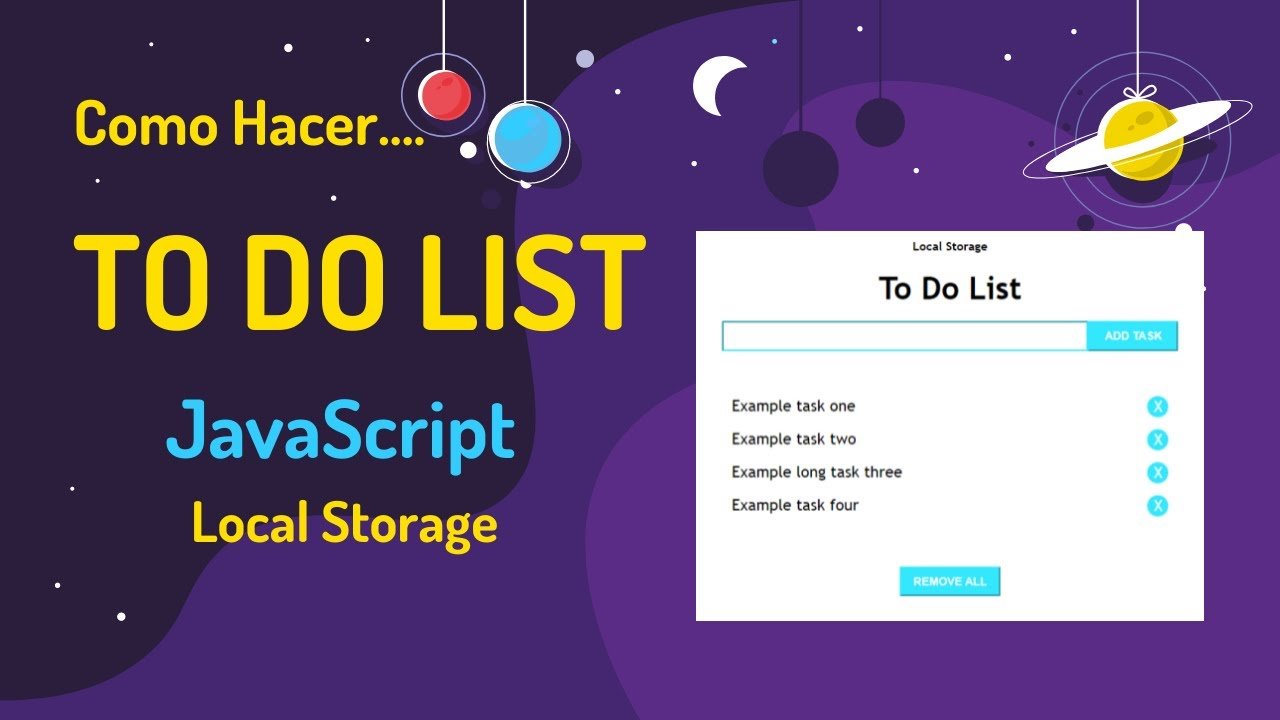
To-Do List with Local Storage 📋
About
A simple yet powerful task management app with priority levels and persistent storage.
Features
- Add, complete, and delete tasks
- Three priority levels (Low, Medium, High)
- Filter tasks (All, Active, Completed, High Priority)
- Progress tracking with visual progress bar
- Task statistics (Total, Completed)
- Clear all completed tasks
- Persistent storage using LocalStorage
- Responsive design
- XSS protection
How to Use
- Open
index.html - Enter task description
- Select priority level
- Click “Add Task” or press Enter
- Check off completed tasks
- Use filters to view specific tasks
- Delete tasks as needed
Technologies
- HTML5
- CSS3 (Flexbox, Animations, Gradients)
- JavaScript (LocalStorage, Array methods)
Priority Levels
- 🔴 High Priority – Red (most urgent)
- 🟠 Medium Priority – Orange (default)
- 🟢 Low Priority – Green (least urgent)
Features Explained
Filters
- All – Show all tasks
- Active – Show incomplete tasks
- Completed – Show completed tasks
- High Priority – Show high priority tasks only
Progress Bar
Visual representation of completion percentage:
- Updates automatically as tasks are completed
- Shows percentage value
Local Storage
- Tasks persist between sessions
- Automatic saving
- No server required
Learning Points
- LocalStorage API
- Array methods (filter, map, sort)
- Event handling
- DOM manipulation
- Form input handling
- Progress tracking
- Security (XSS prevention)
Keyboard Shortcuts
- Enter – Add new task (when input focused)
Tips
- High priority tasks appear at top by default
- Completed tasks show with strike-through text
- Clear Completed button safely removes finished tasks
- All data saved locally in browser



Reviews
There are no reviews yet.